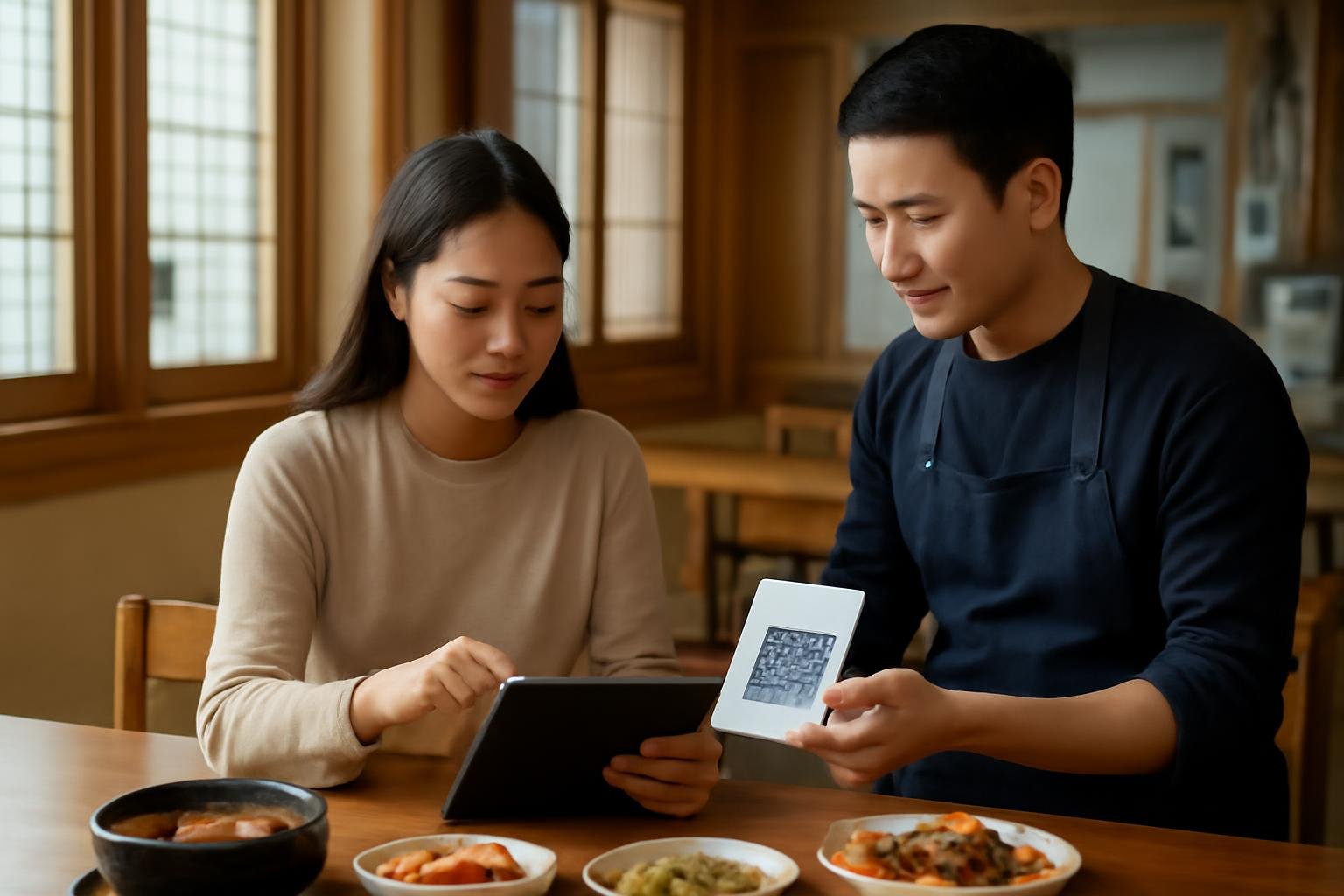
At many Korean restaurants, ordering no longer means waiting for a server to take every item by hand. You may be asked to choose dishes on a tablet at the table, scan a QR code with your phone, or press a call button when you are ready. The system is usually straightforward once you know what to look for: select your menu items, check the quantity, submit the order, and pay either at the table or at the register.
The main difficulty for visitors is not the technology itself. It is knowing whether an order has actually been submitted, whether a button means “call staff” or “place order,” and whether the restaurant expects payment before or after eating.
First, identify which ordering system you are using
There are three common setups:
- Table tablet: A touchscreen is fixed to the table or mounted near the wall. You browse the menu, select dishes, and submit the order directly.
- QR-code menu: You scan a code with your phone camera. The menu opens in a web browser, sometimes with language options and sometimes only in Korean.
- Paper menu plus call button: You mark or remember your choices, then press a button marked 호출 (hochul, “call”) or raise your hand to order with staff.
Some restaurants combine these methods. For example, you might order food through a tablet but ask staff for extra utensils using the call button.
How to order with a tablet
- Choose a language, if available. Look for buttons such as 한국어 (Korean), English, 中文 (Chinese), or 日本語 (Japanese). Not every tablet has a translation option, and translated descriptions may be brief.
- Browse by category. Common headings include 메인 (main dishes), 식사 (meals), 찌개 (stews), 구이 (grilled dishes), 사이드 (sides), 음료 (drinks), and 주류 (alcohol).
- Open each dish before adding it. Check serving size, spice level, included ingredients, and whether the price is per person, per portion, or per kilogram. For barbecue, a dish may be listed as one serving but require a minimum order of two servings.
- Select options carefully. A tablet may ask you to choose meat cuts, broth, toppings, cooking preferences, or the number of portions. Required choices are often marked with a red dot or an alert if you try to continue without selecting them.
- Review the cart. Confirm quantities and remove accidental additions. This is especially important when tapping quickly through picture-based menus.
- Submit the order. The final button may say 주문하기 (jumunhagi, “place order”), 주문 완료 (jumun wallyo, “order complete”), or simply 결제 (gyeolje, “payment”). Do not assume the items are being prepared until you see a confirmation screen or hear a sound indicating that the order was received.
If you are unsure whether the order went through, look for a screen showing 주문내역 (jumun naeyeok, “order history”) or ask a staff member: 주문 들어갔나요? (jumun deureogannayo?) — “Did the order go through?”
How to use a QR-code menu
Open your phone’s camera, point it at the QR code, and tap the notification that appears. The menu normally opens in a browser rather than requiring an app download. If nothing happens, try cleaning the camera lens, increasing the light, or using a QR-scanning option built into your phone’s camera app.
Once the page opens, look for a language selector. You may also need to choose your table number or enter a code printed next to the QR code. Read the page carefully before pressing the final order button: some systems let you build a cart but still require staff confirmation, while others send the order immediately.
A QR menu may ask for permissions such as location, notifications, or access to a local ordering platform. You can usually decline unnecessary permissions and continue in the browser. Be cautious about entering card details into an unfamiliar page. In many restaurants, the QR menu is only for ordering; payment still happens at the counter or through a separate terminal.
Useful Korean labels on digital menus
- 주문 — order
- 장바구니 (jangbaguni) — cart
- 수량 (suryang) — quantity
- 추가 (chuga) — add-on or extra
- 옵션 (opsyeon) — option
- 맵기 (maepgi) — spiciness level
- 포장 (pojang) — takeaway or packed to go
- 매장 (maejang) — dine in
- 호출 (hochul) — call staff
- 취소 (chwiso) — cancel
- 확인 (hwagin) — confirm
- 결제 (gyeolje) — payment
The word 셀프 (selpeu, “self-service”) may indicate that you should collect water, utensils, side dishes, or sauces yourself. It does not necessarily mean that every part of the meal is self-service.
Side dishes, water, and refills
Many Korean meals come with small side dishes called 반찬 (banchan). They may arrive automatically, be placed at a self-service station, or be available through the tablet as a refill request. Extra portions are often free, but not always. If you need more, use the call button or say:
반찬 더 주세요. (banchan deo juseyo) — “Please give us more side dishes.”
For water, check whether there is a bottle on the table, a dispenser, or a self-service station. If you need assistance, press 호출 and say 물 주세요 (mul juseyo) — “Water, please.”
Foreign cards, phone numbers, and payment
A restaurant’s ordering tablet may accept foreign cards, but this varies by payment terminal and restaurant. Some systems are designed mainly for local cards, mobile payments, or Korean-issued accounts. A foreign card may work at the final counter even when it does not work through the table tablet.
QR ordering systems may also request a Korean mobile number, especially if they send a receipt, waiting notification, or order alert by text message. If the site refuses a non-Korean number, ask staff to place the order manually. You can say:
외국인이라서 전화번호 입력이 안 돼요. (oegugin-iraseo jeonhwabeonho ipryeogi an dwaeyo) — “I’m a foreigner, so I can’t enter my phone number.”
Payment arrangements differ. You may pay immediately on the tablet, pay at a separate kiosk, settle at the register after eating, or receive the bill at the table. Look for 선결제 (seon-gyeolje, pay first) and 후불 (hubul, pay later). If you cannot tell, ask 계산은 어디서 해요? (gyesaneun eodiseo haeyo?) — “Where do I pay?”
Common mistakes and what to do
You pressed the wrong button
Do not keep tapping randomly. Press 호출 and show the screen to staff. If the order has already been submitted, the restaurant can usually tell you whether it can be changed.
The tablet is only in Korean
Use your phone’s camera translation feature, ask another diner only if appropriate, or show staff a picture of the dish. A useful phrase is 영어 메뉴 있어요? (yeongeo menyu isseoyo?) — “Do you have an English menu?”
You cannot find a submit button
Check the cart icon, usually labeled 장바구니. The final button may appear only after you open the cart and confirm the order. If the tablet displays a message about a minimum order, choose the required number of portions before continuing.
You need to change or cancel an order
Contact staff immediately. Digital systems may send orders directly to the kitchen, so cancellation is not always possible once preparation has begun. Ask:
이거 취소할 수 있어요? (igeo chwisohal su isseoyo?) — “Can I cancel this?”
You need an accommodation
For allergies, religious restrictions, or ingredients you cannot eat, do not rely only on a translated menu. Explain the issue to staff before submitting the order. 알레르기가 있어요 (allereugiga isseoyo) means “I have an allergy,” but you should name the ingredient clearly and confirm whether it is used in the dish or sauce.
The easiest fallback: show, point, and confirm
You do not need fluent Korean to order successfully. If the tablet is confusing, point to the dish, indicate the quantity with your fingers, and say 이거 하나 주세요 (igeo hana juseyo) — “One of this, please.” For two portions, say 이거 두 개 주세요 (igeo du gae juseyo), although staff may use a different counter word depending on the dish.
Before walking away from the table, confirm three things: the order was submitted, the quantity is correct, and you know where and when to pay. Once those are clear, the tablet or QR menu has done its job—and you can concentrate on the meal rather than wondering whether your order disappeared into the system.